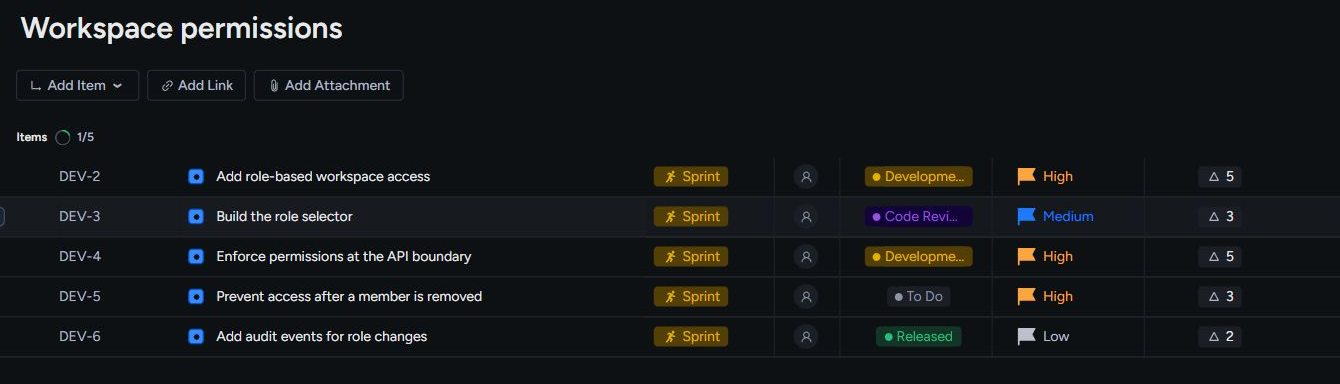
Hierarchy and properties
From the team space to the smallest next step
Organize work in team spaces, connect initiatives to epics, items, and sub-items, and give each piece the ownership and properties it needs.
Explore featureThe product
From the first request to the next release: organize the work, choose a view, plan with your team, and keep the context connected.
Hierarchy and properties
Organize work in team spaces, connect initiatives to epics, items, and sub-items, and give each piece the ownership and properties it needs.
Explore feature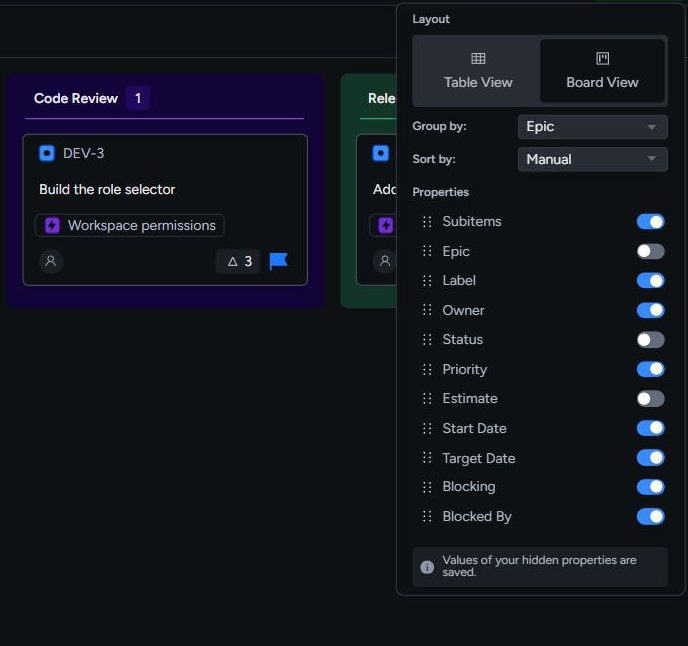
Views
Create multiple table and board views across Backlog, Planning, Sprint, and Kanban, then keep adjustments local or share them with the team.
Explore feature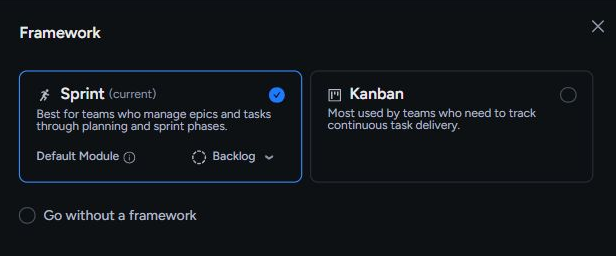
Frameworks and modules
Choose Sprint, Kanban, or no framework for each team space. Use focused modules to take incoming work from triage through planning and execution without losing the wider picture.
Explore feature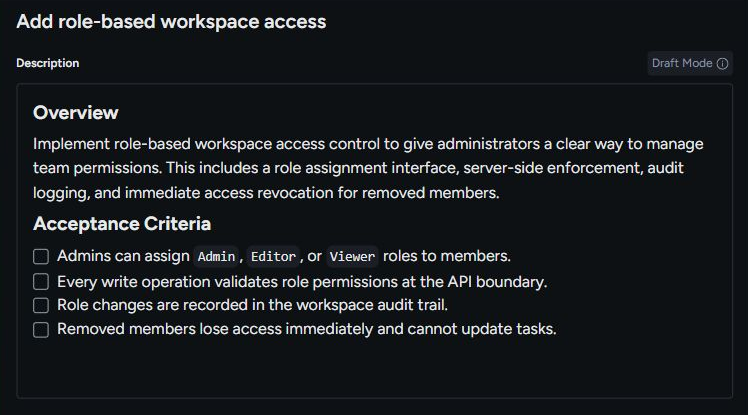
AI
Use Vibe Speccing to draft a specification, Vibe Breakdown to propose child work, and Decisions to review AI recommendations against the current state of a task.
Explore feature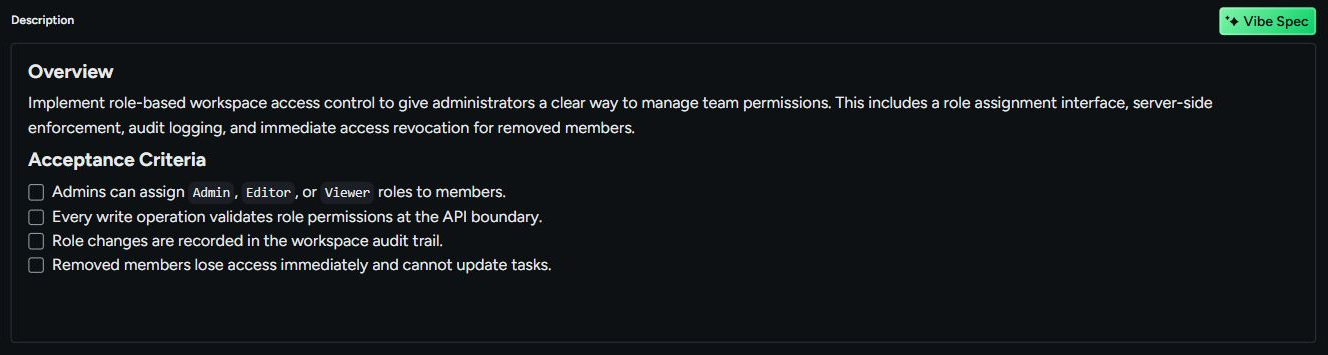
Task view
Keep the description, attachments, links, sub-items, comments, and task activity together. Open the work and get the information needed to move it forward.
Explore feature
Inbox
Keep assignments and mentions open until they are handled, while routine activity clears naturally after you read it.
Explore feature
Integrations
Bring Slack conversations, GitHub development work, and your AI agent into the Taskonio workflow. Give tasks the context they need without making another tool the source of truth.
Explore feature